> For the complete documentation index, see [llms.txt](https://doc.nodedao.com/llms.txt). Markdown versions of documentation pages are available by appending `.md` to page URLs; this page is available as [Markdown](https://doc.nodedao.com/subdao/staking-filecoin/provide-liquidity-and-farm.md).
# Provide Liquidity And Farm
Provide Liquidity to a pool and start farming additional rewards!
**Add Liquidity**
When you add liquidity, you are given pool tokens that represent your share of the pool, which earns fees, charged during swap transactions, when you start farming. The fees earned are proportional to the pool size.
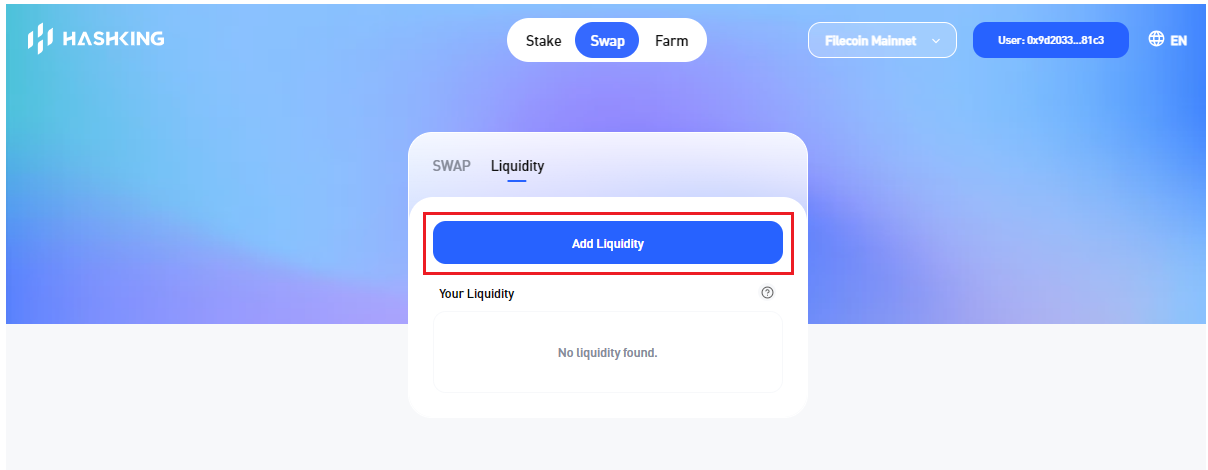
Click on the 'Add Liquidity' Button to transit into the Liquidity Pool Page
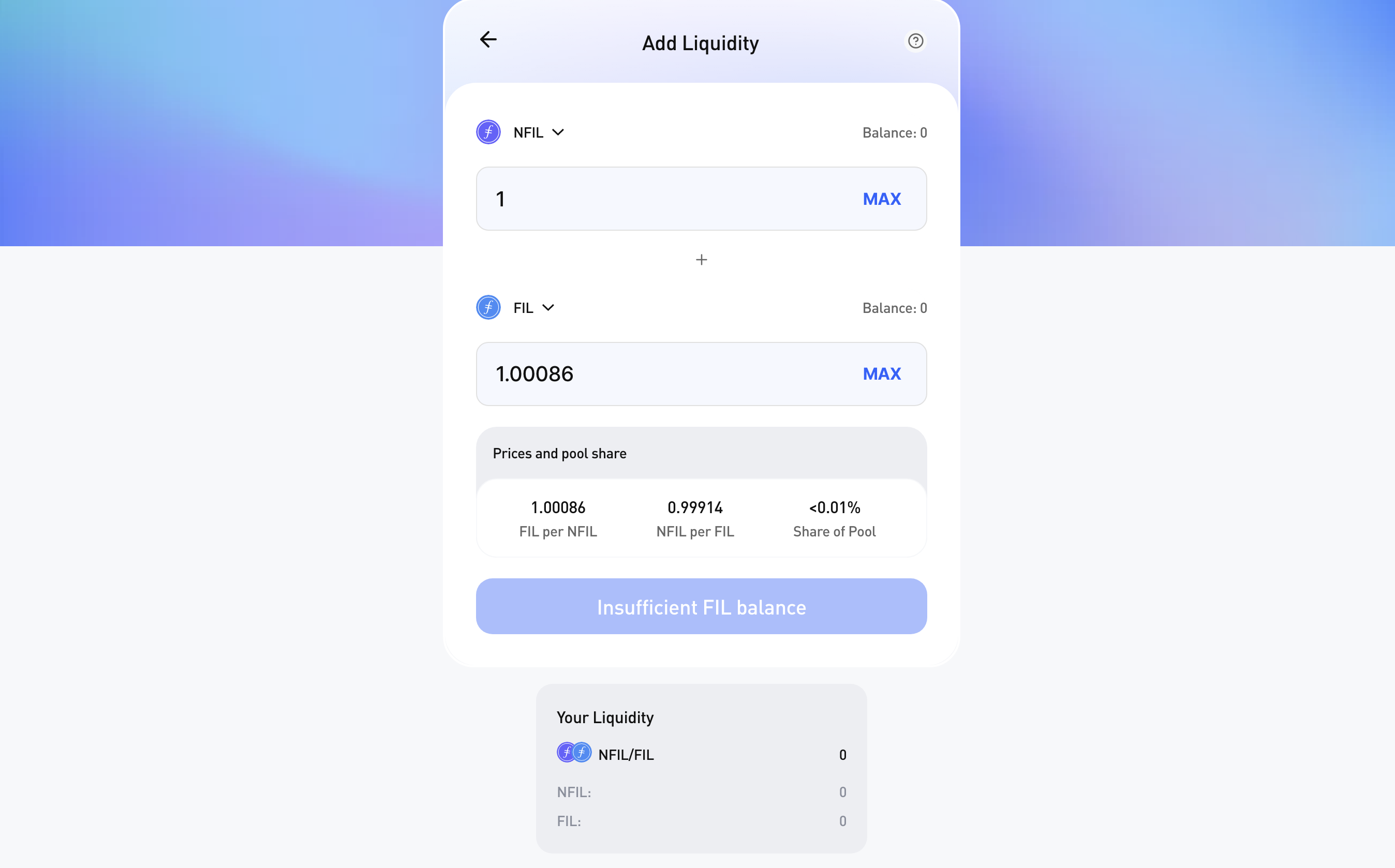
Enter the amount of Liquidity and proceed to add liquidity to the pool.
Liquidity Pool Page
Liquidity Pool Page
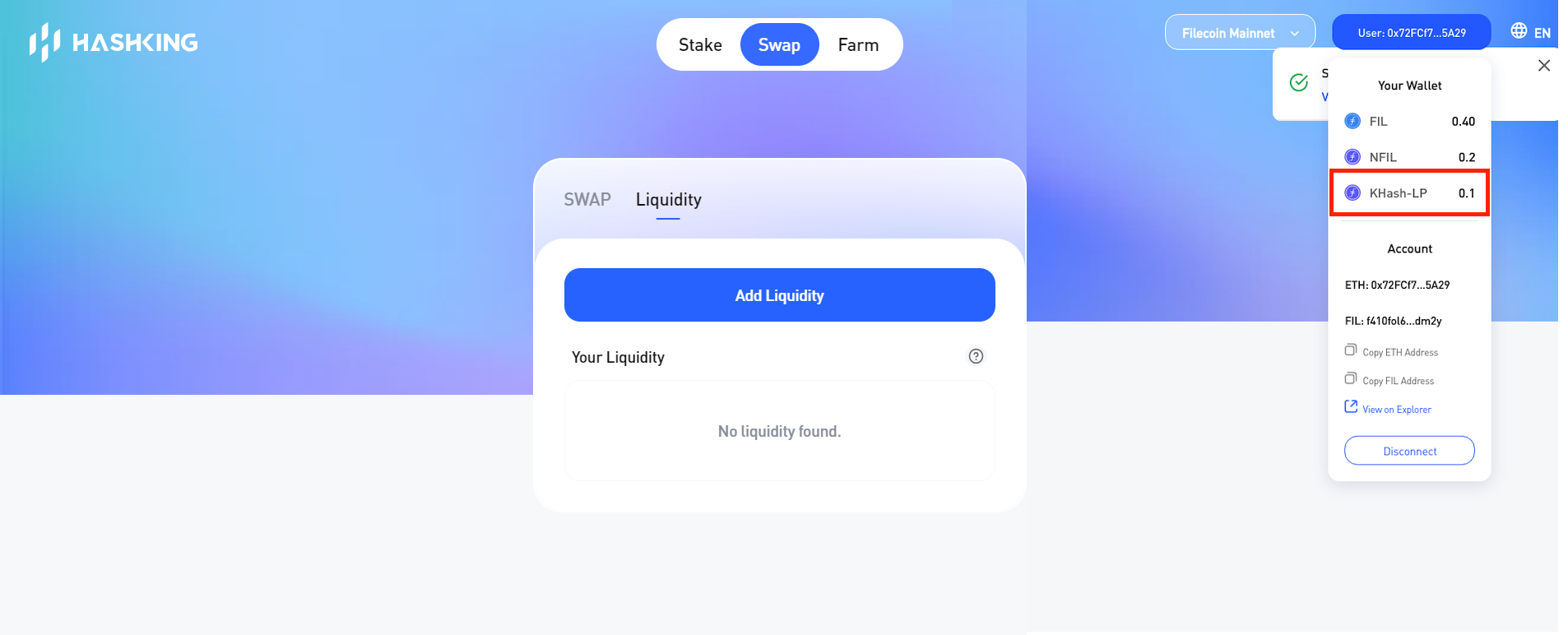
Below an example of the liquidity pool token for the HashKing Platform
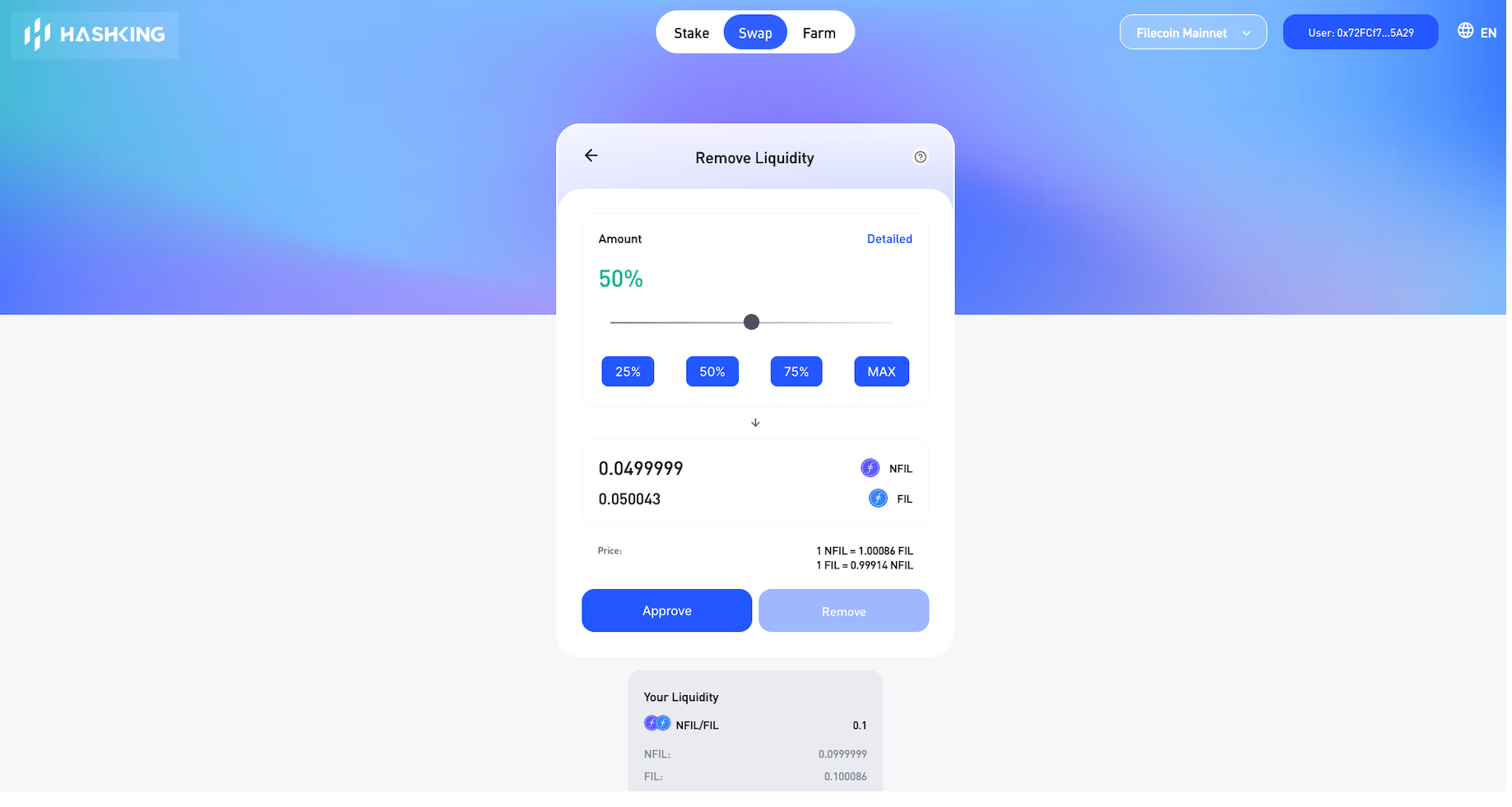
**Remove Liquidity**
Select the liquidity pair and proceed to remove liquidity
**Farming**
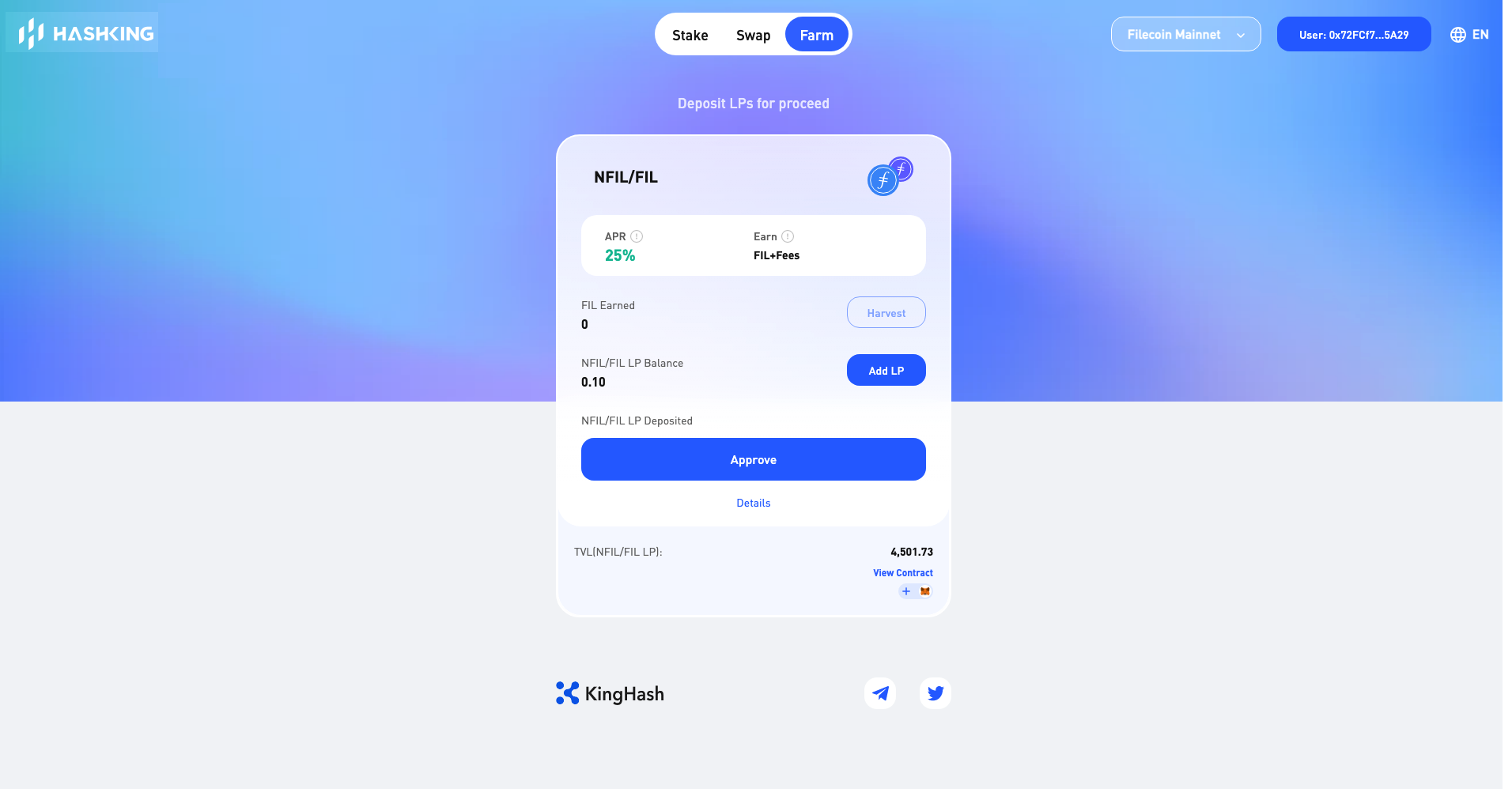
Before you can start farming you will need to have the liquidity pool token. Click on 'Add LP' to proceed to the 'Add Liquidity' step if you do not have the liquidity pool token.
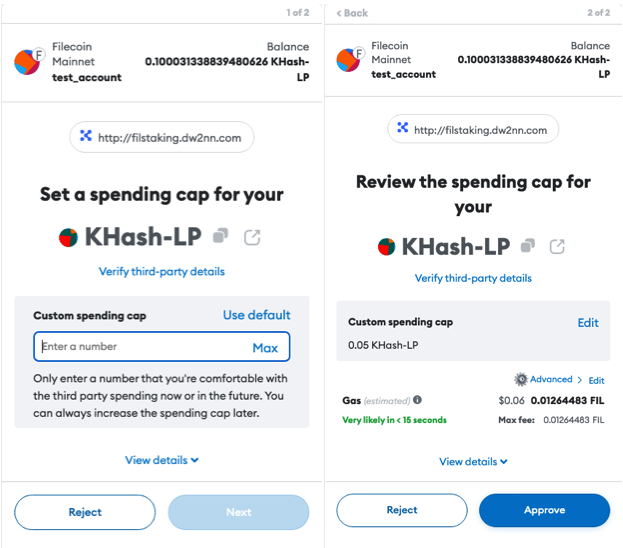
There will be a one time authorization request in order to start farming.